AR Viewer
Place the configured product in your real-world environment via WebAR or native AR.
Value: Real-world scale visualization on mobile for furniture, appliances, and large products.
6 apps
An AR Viewer lets shoppers place a 3D product directly into their real-world environment using a phone or tablet camera. The technology relies on WebXR or platform-native AR (Apple Quick Look, Google Scene Viewer) to anchor a virtual object on a flat surface and render it at true-to-life scale.
For configurators, AR bridges the gap between screen and showroom: a customer who has just customized a sofa can tap a button and see exactly how it fits in their living room — including the fabric, color, and dimensions they selected. This dramatically reduces purchase hesitation and returns.
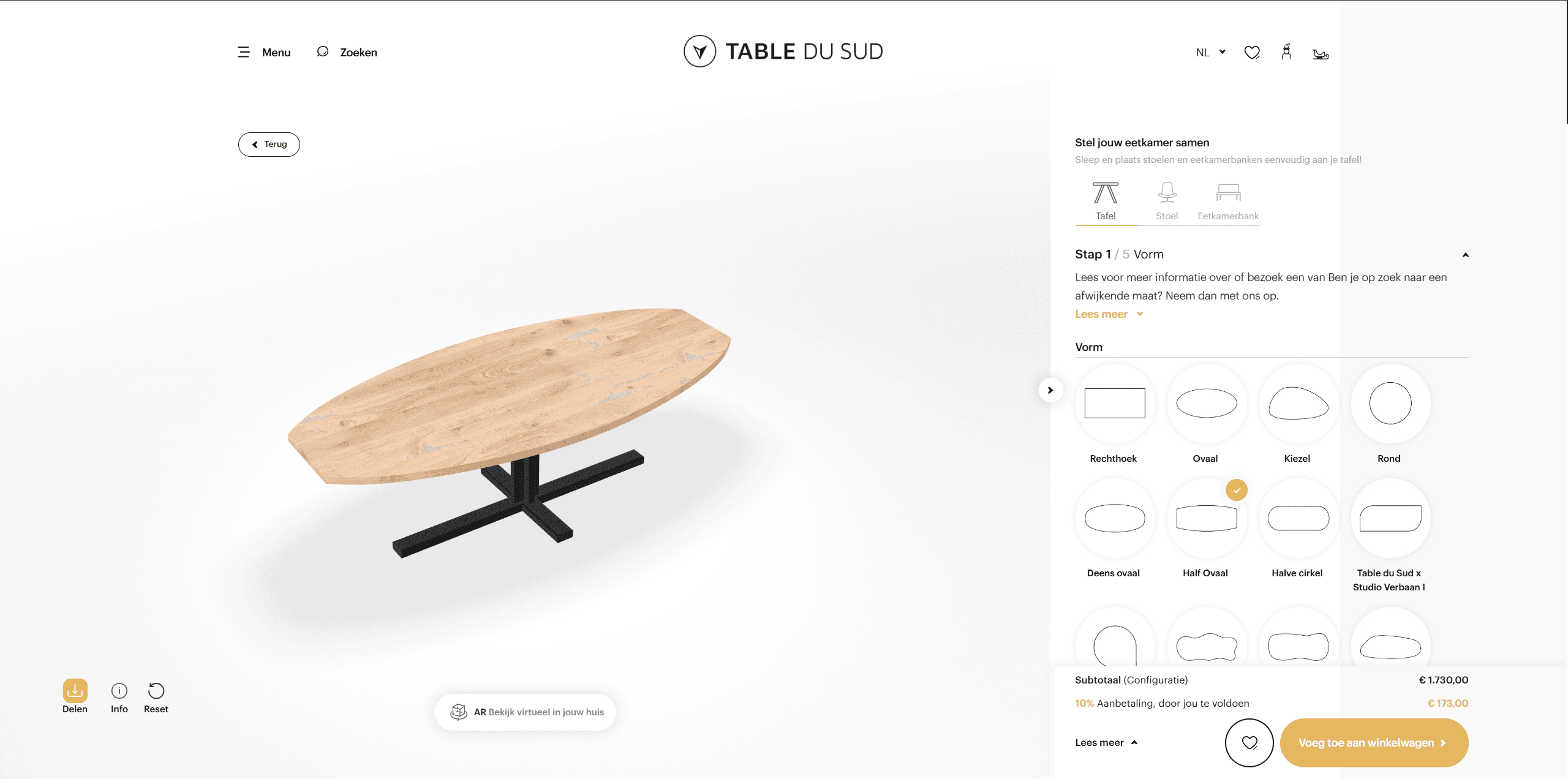
TABLE DU SUD 3D eCommerce Website
 TABLE DU SUD
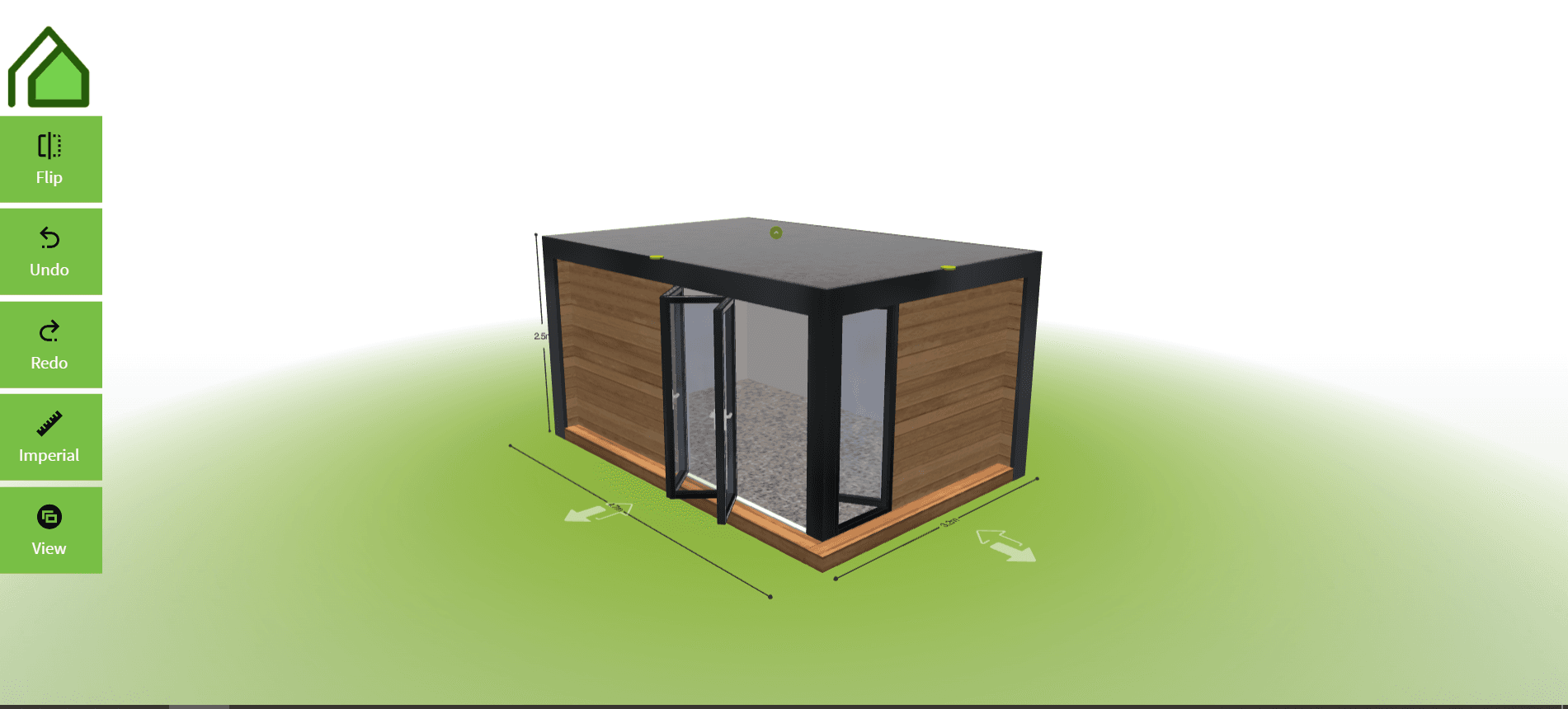
Garden Room 3D Planner
 Garden Room Planner
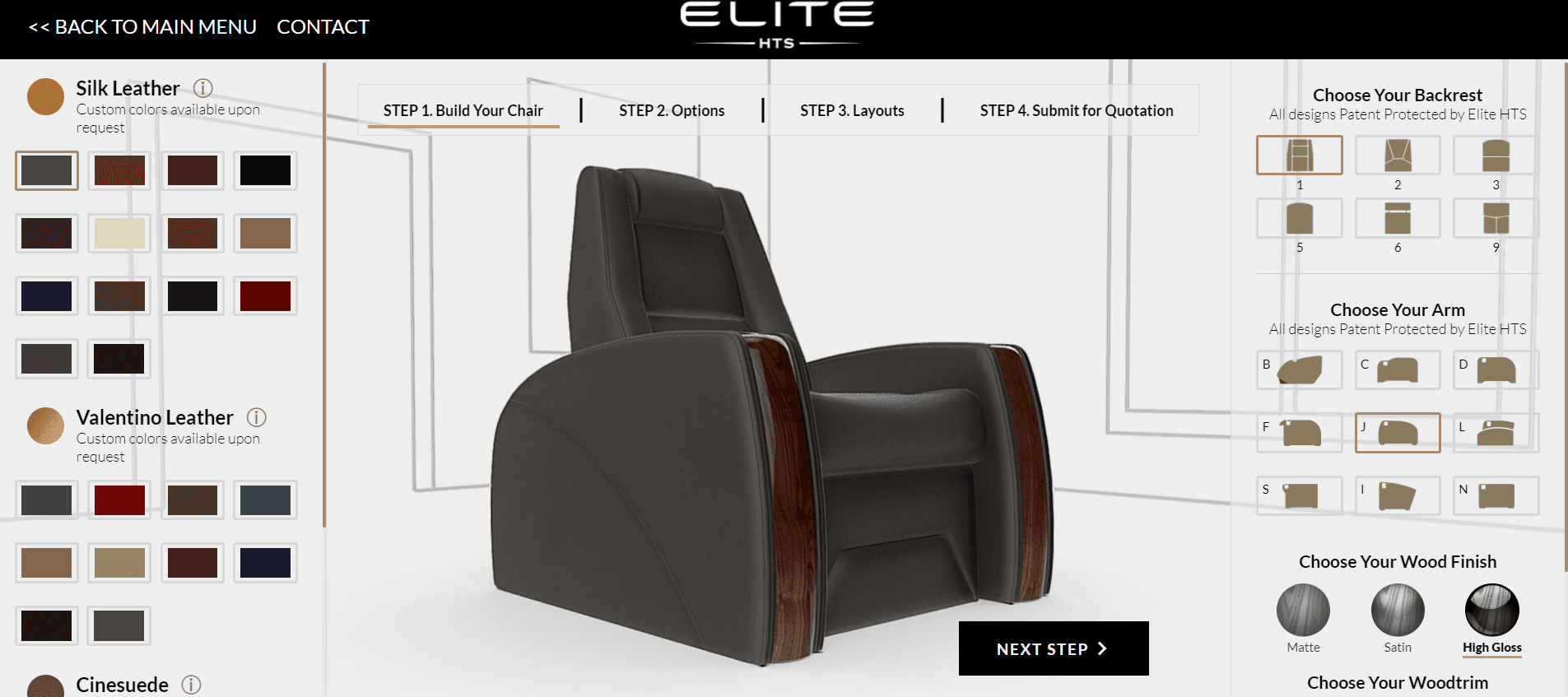
Elite HTS Theater Chair 3D Configurator
 Elite HTS
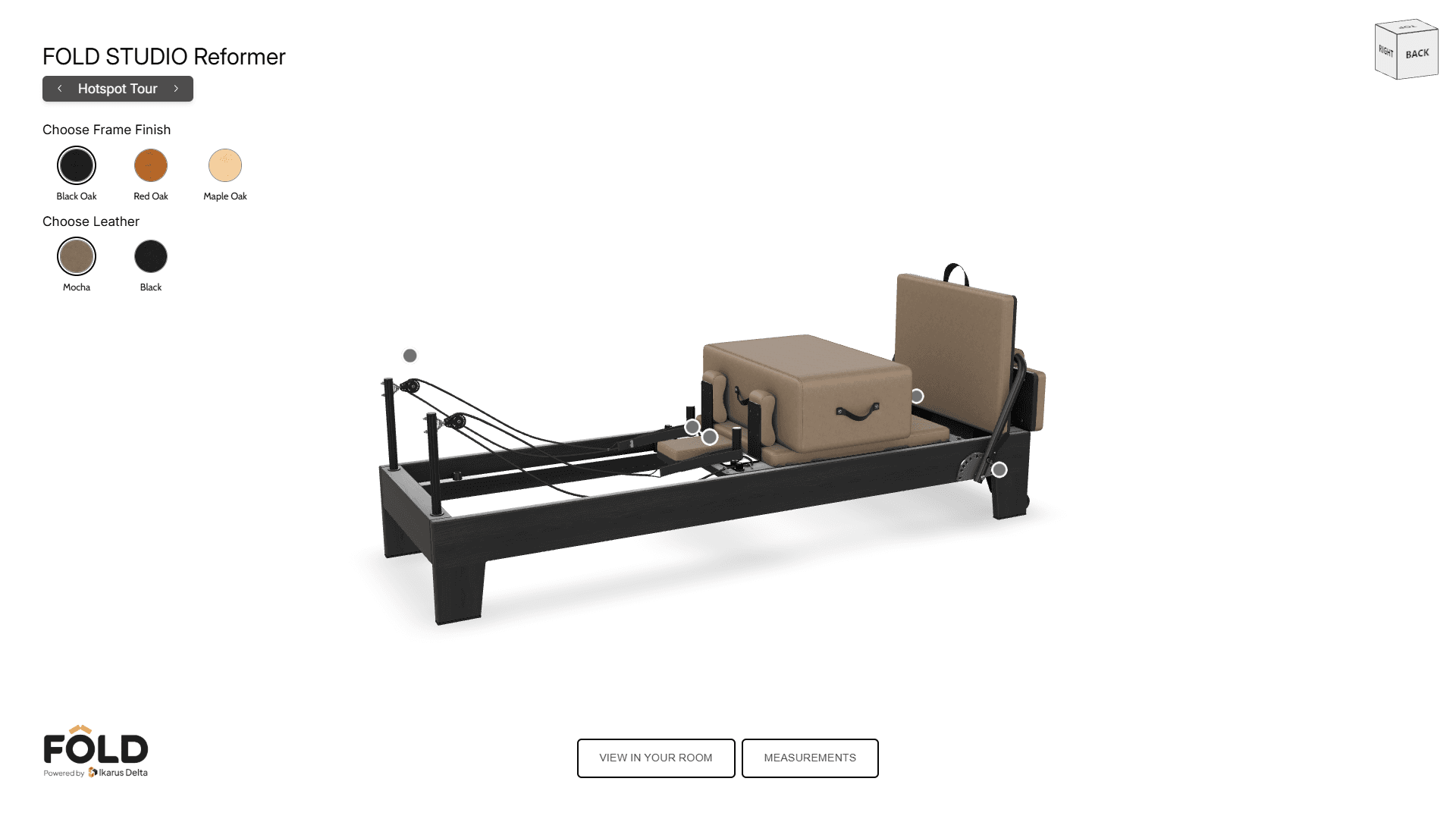
FOLD Studio Reformer 3D Viewer
FOLD Studio
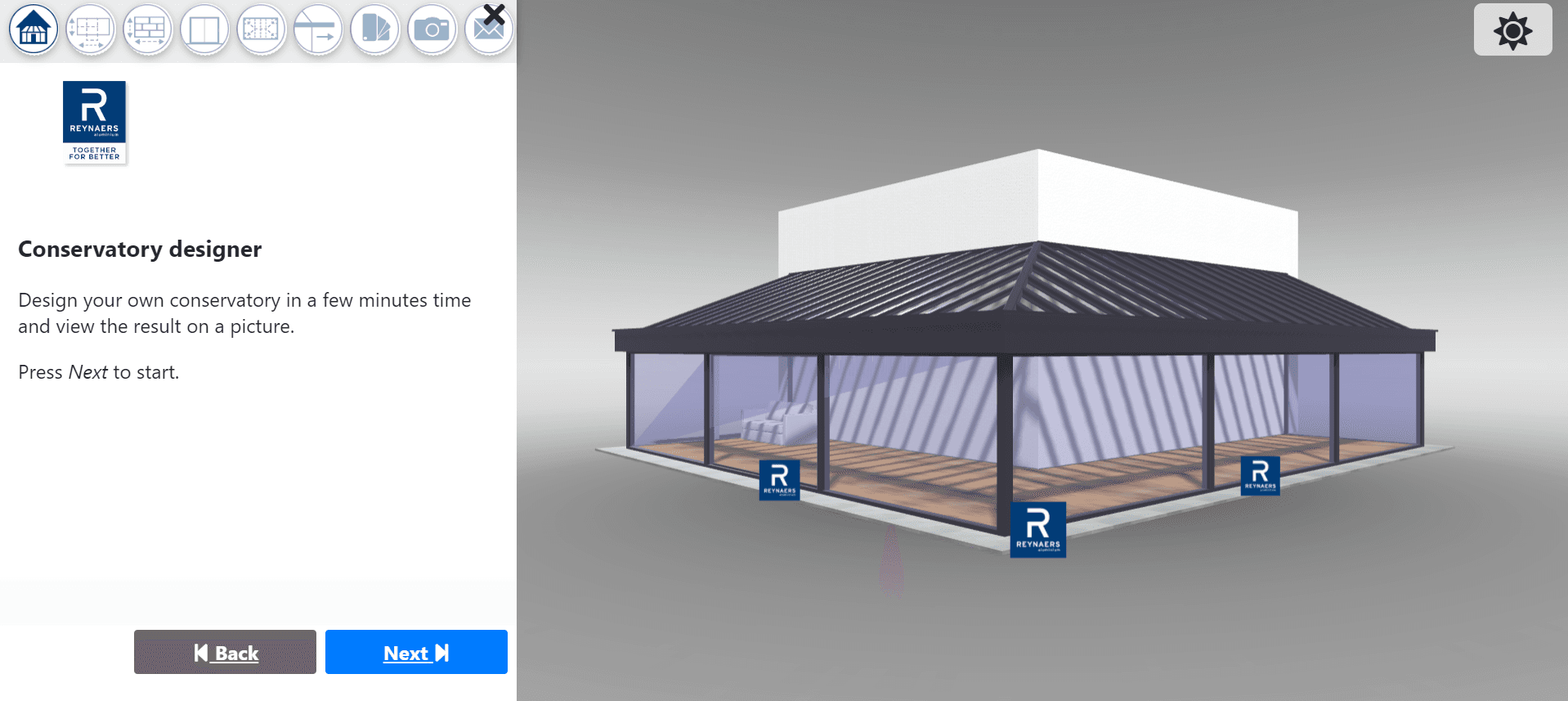
Reynaers Garden Building 3D Configurator
 Reynaers Aluminium
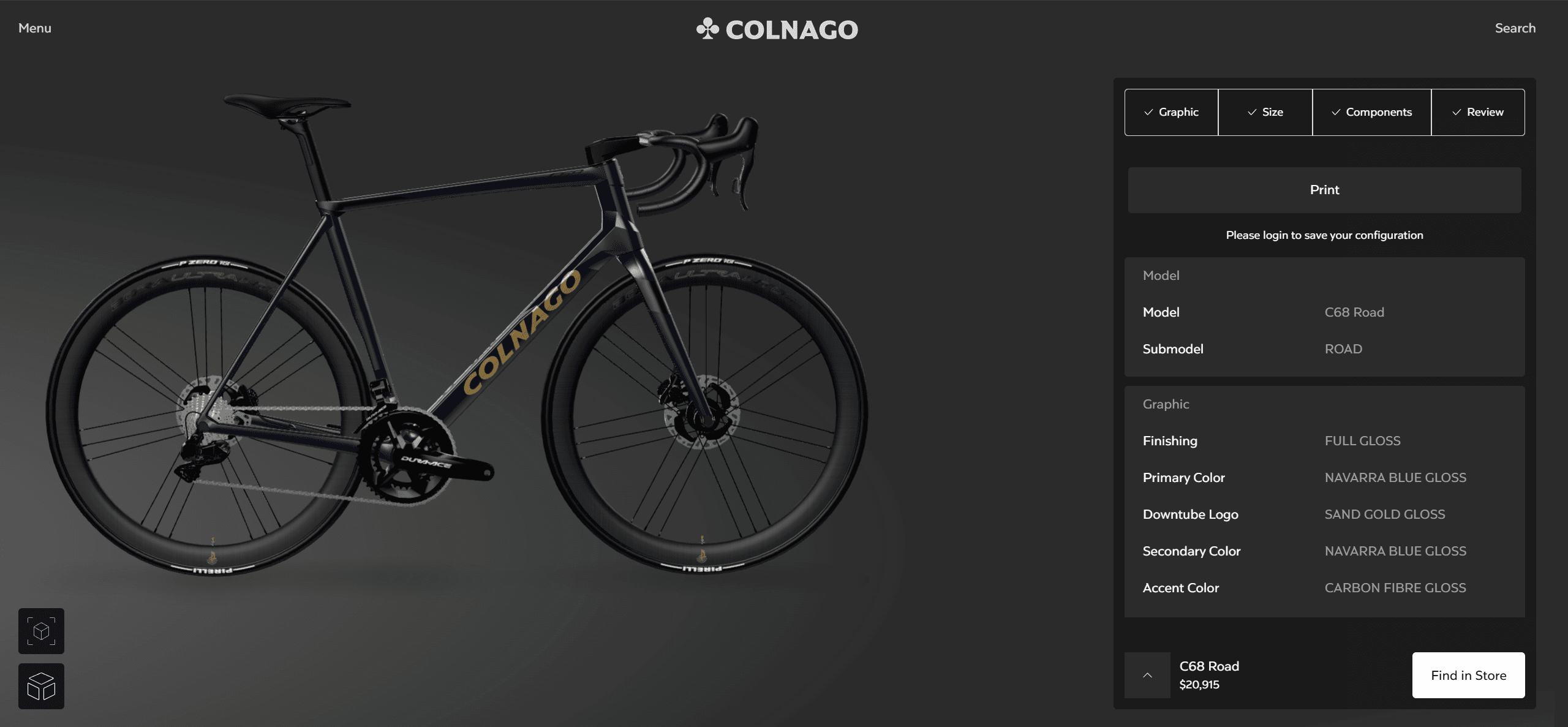
Colnago Bike 3D Customizer
 Colnago